


Flux AI Image Generator
Flux is a top-tier AI image model developed by Black Forest Labs, Germany. Flux excels at ultra-realistic photorealistic generation, detailed image-to-image refinement, and high-quality text-to-image creation. On zuss.ai, you can produce professional-level AI art, concept designs, and high-resolution visuals with exceptional detail and style.
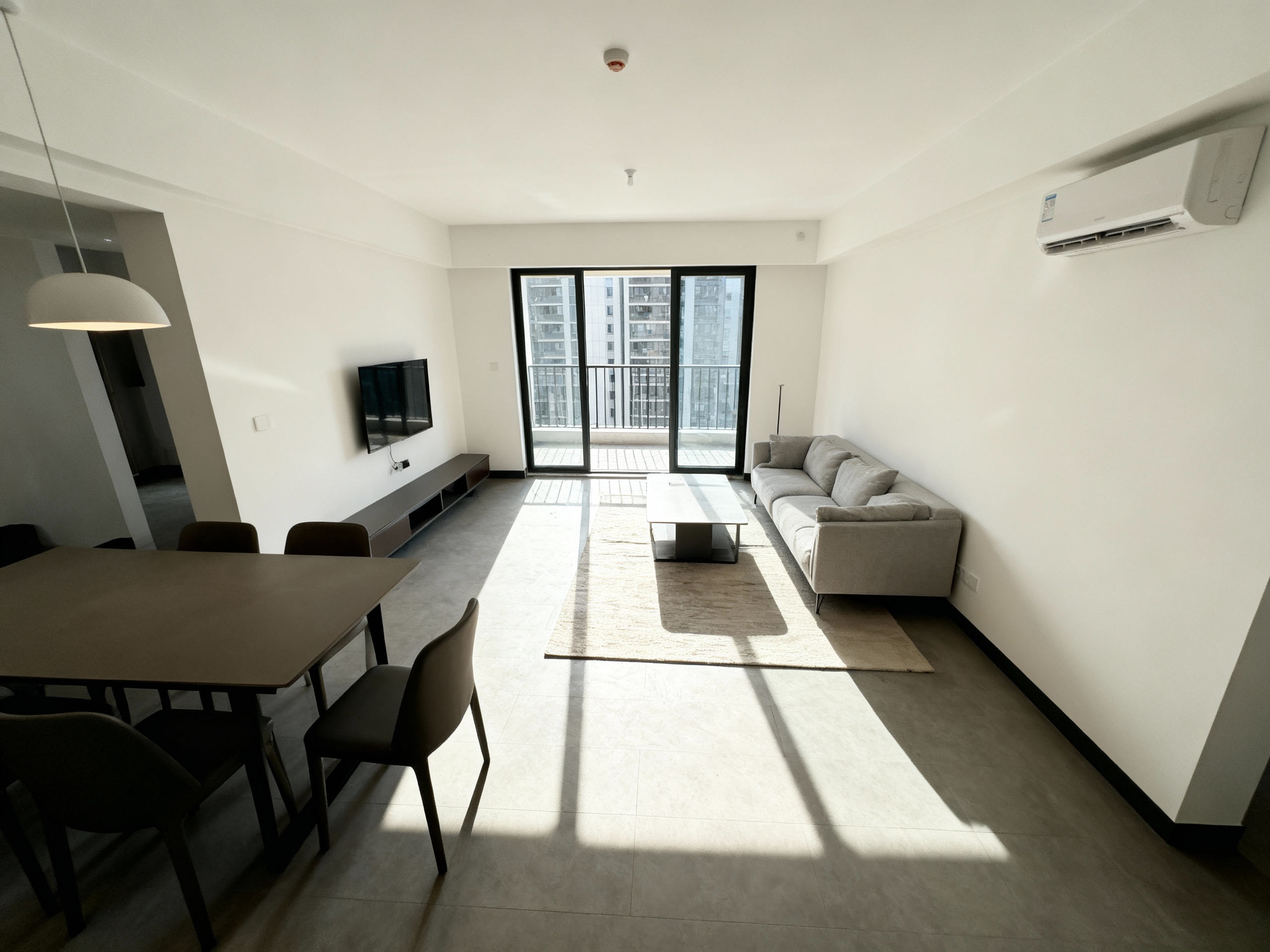
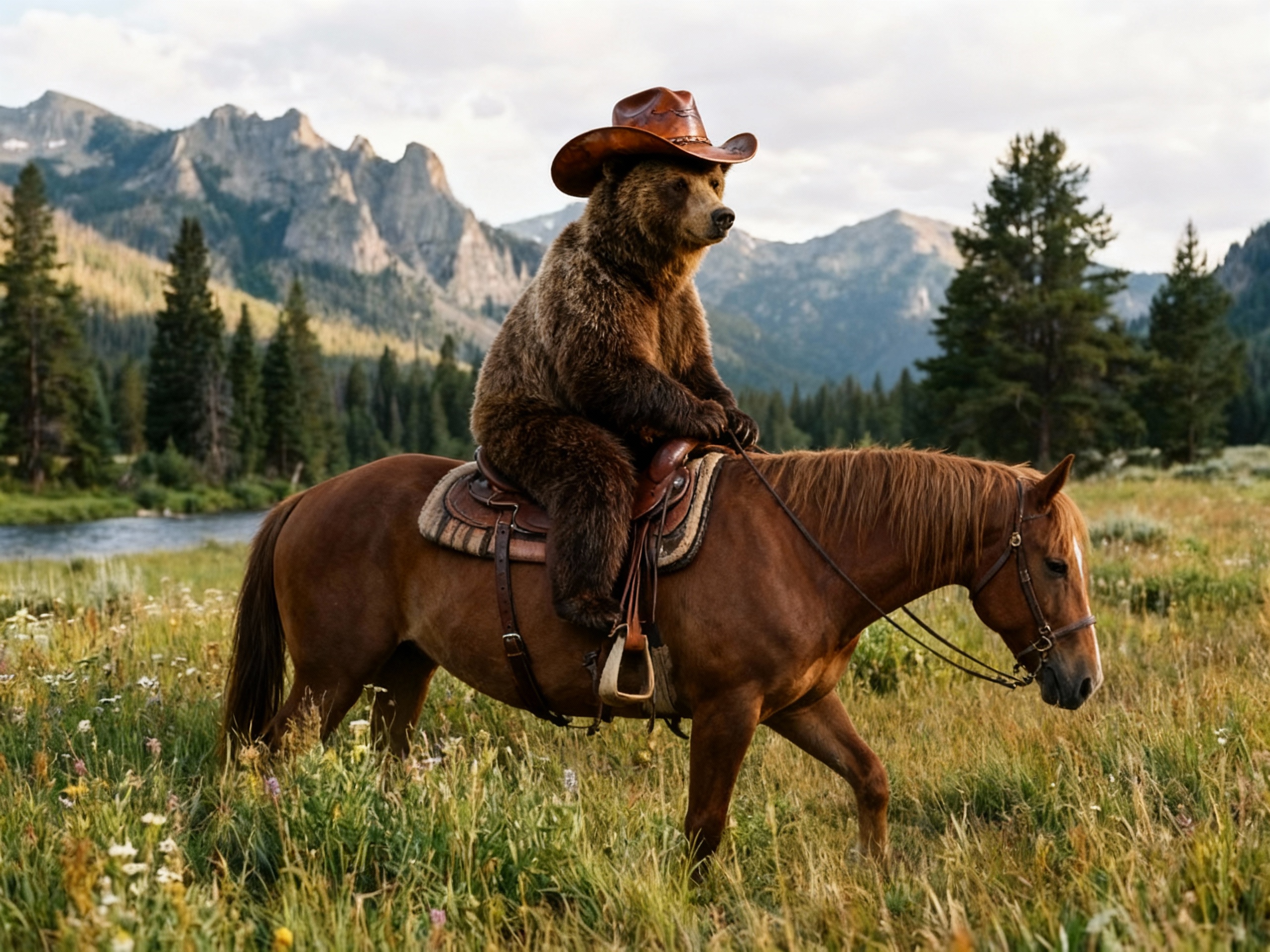
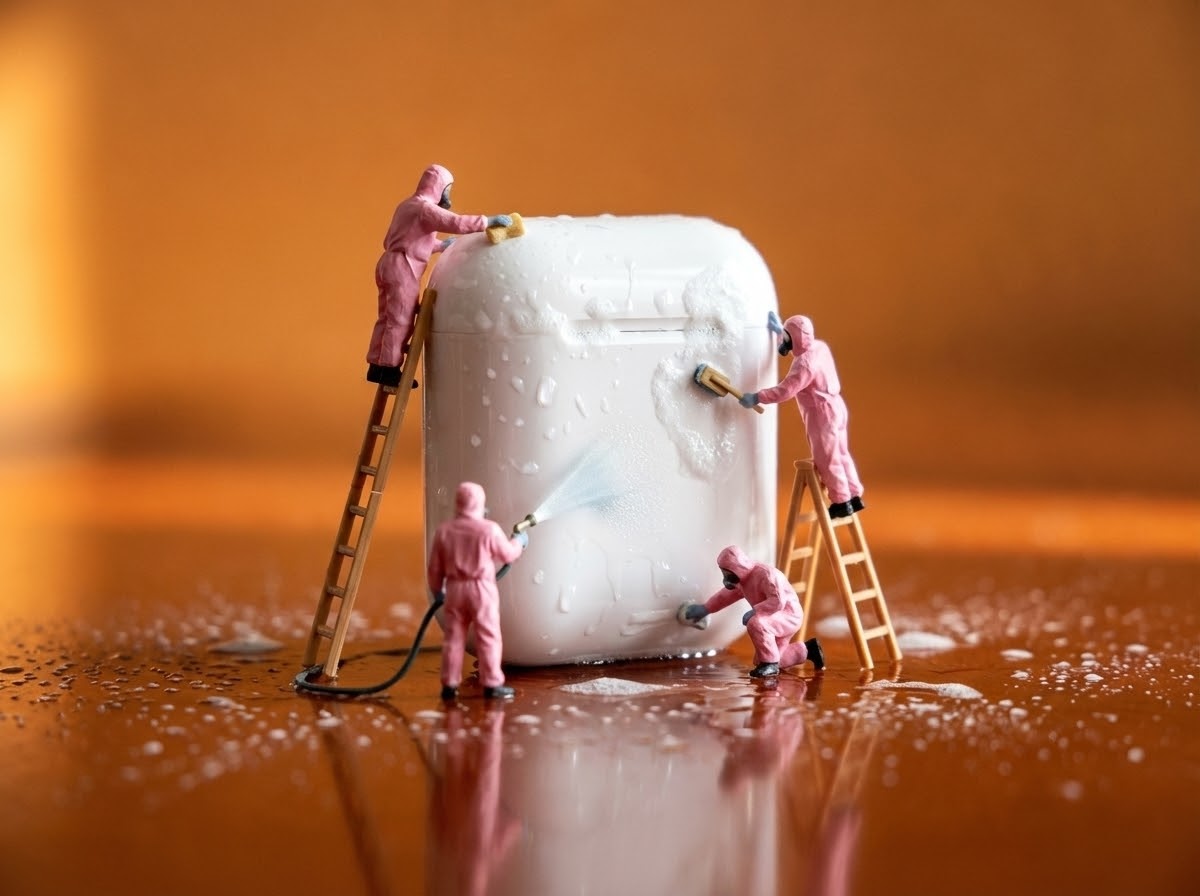
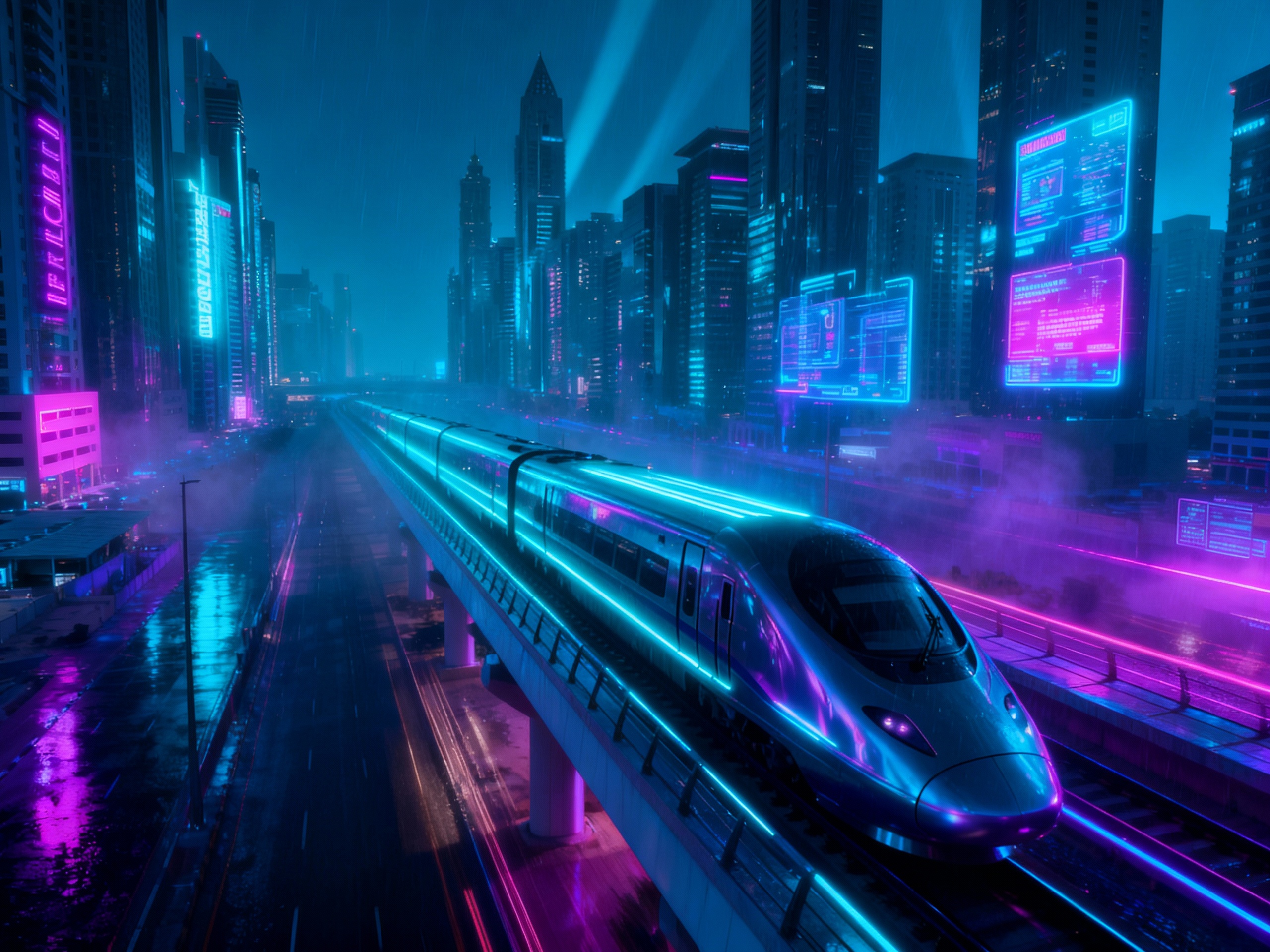
Evolution of Flux AI Model
Professional Text-to-Image Foundation
Flux 1.1 Pro is the foundational professional text-to-image model designed to produce consistent high-quality and realistic visual results from text prompts.
It balances generation speed and output quality, supporting standard-resolution creation with reliable detail rendering and natural scene coherence.
This version provides a stable and practical foundation for commercial image production and daily creative content generation.
Core Capabilities of Flux AI Models
Outstanding Visual Realism
Flux AI delivers excellent visual realism and detail fidelity, producing images with fine texture and clear layers. It easily achieves photorealistic rendering for both realistic scenes and creative content, making every work more impressive.
Accurate Prompt Understanding
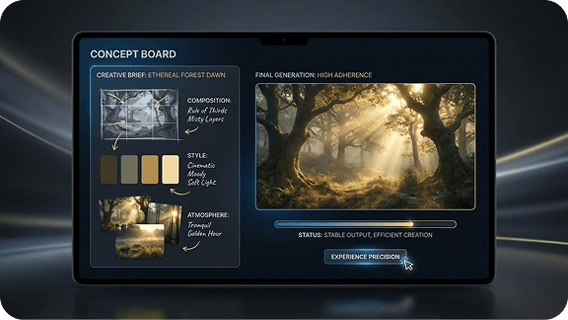
It understands prompts precisely with high prompt adherence, keeping your desired composition, style and atmosphere consistent. Outputs are stable and reliable, reducing repeated adjustments and making creation more efficient.
High-Definition Quality & Expression
Flux AI generates sharp high-resolution images with strong performance in color, lighting and details. It supports rich artistic stylization and maintains stable image quality for design, commercial use and creative projects.
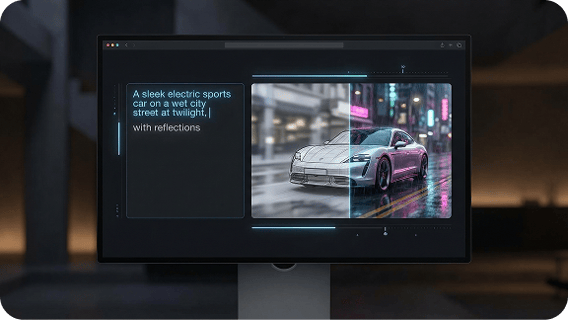
Balanced Speed and Performance
It offers great visual quality together with solid generation speed, works well in many scenarios and runs smoothly. It’s an all-around excellent text-to-image model for most users.
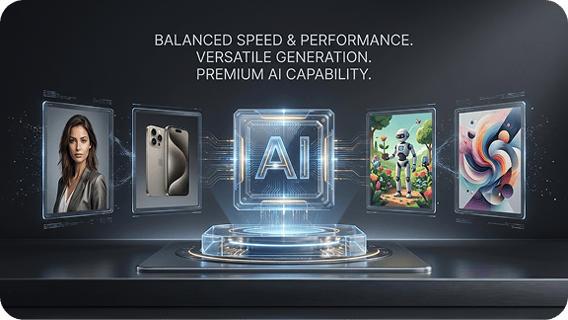
How to Use Flux on Zuss AI
Step 1
Start by entering a text prompt or uploading a reference image to guide the kind of picture you want to create.
Step 2
Describe the main subject, visual style, color palette, lighting, and composition, or use an image reference to shape the result.
Step 3
Generate the image and refine your prompt or reference until the output better matches your creative vision.