




Hailuo AI Video Generator (MiniMax)
MiniMax Hailuo is an AI video generation model family designed for creating videos from text and images, with a strong focus on character expression and narrative consistency. It is widely recognized for its natural motion, facial expression control, and strong language understanding. On Zuss, Hailuo supports text-to-video and image-to-video workflows, making it suitable for character-driven and story-oriented AI video creation.




Hailuo Model Evolution
Text-to-Video Foundation
Hailuo AI T2V-01 is the foundational text-to-video AI model in the Hailuo series, designed to transform written prompts into coherent video sequences. It focuses on basic scene construction, narrative flow, and stable visual progression across frames.
This version established Hailuo’s core capability in story-oriented text-to-video generation.
Core Capabilities of Hailuo AI Models
Optimized for Short-Form Video Generation
Hailuo is designed to generate short AI video clips efficiently, making it suitable for rapid iteration and quick content creation. Rather than modeling long sequences, it focuses on delivering visually complete short scenes with minimal setup.
Character Expression and Human-Centered Motion
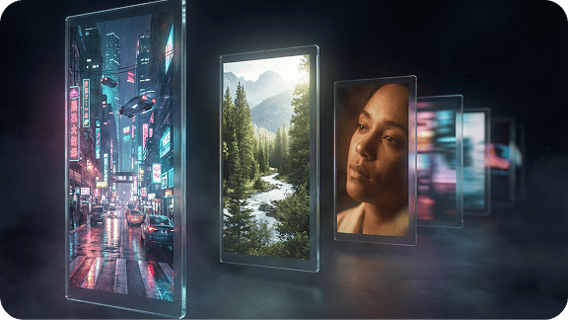
Hailuo places strong emphasis on facial expression, gestures, and character continuity. This makes it particularly effective for dialogue scenes, avatar-style videos, and story snippets where human presence is central.

Text-to-Video and Image-to-Video Accessibility
Hailuo supports both text-to-video and image-to-video workflows, allowing creators to start from scripts or visual references. The model is optimized for clear prompt following, making it easy to translate written instructions into dynamic video output.

Fast Iteration for Social and Marketing Content
Hailuo is well suited for creators who need quick feedback loops and frequent regeneration. Its workflow supports experimentation and rapid refinement, making it practical for social media clips, marketing drafts, and educational micro-videos.

How to Use Hailuo on Zuss AI
Step 1
Select text-to-video to start from a written prompt, or image-to-video to animate an existing image or character reference.
Step 2
Describe the characters, actions, and mood in your prompt, or use an image to guide appearance and scene style. Hailuo works best with character-focused and short-form video ideas.
Step 3
Generate the video, review the result, and regenerate with small prompt adjustments until the output matches your intent.