


Ideogram AI Image Generator
Ideogram is an advanced AI image model developed by Ideogram AI, United States. It excels in text-to-image and image-to-image generation, especially for creating sharp text, logos, posters and typography visuals. On zuss.ai, you can use Ideogram powerful AI image generator to turn your ideas into professional, high-quality designs with simple text prompts.


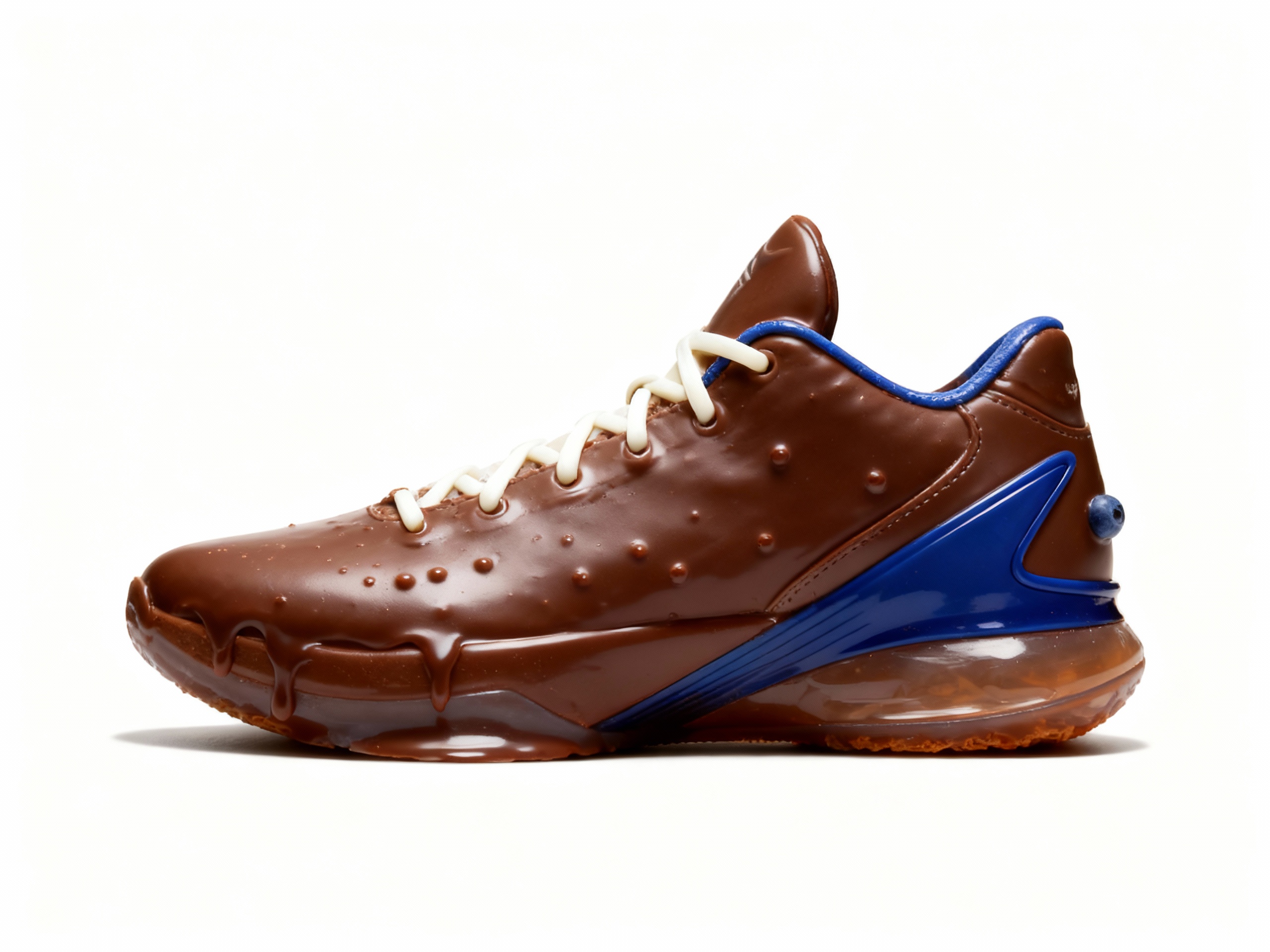


Evolution of Ideogram Model
Foundational Creative Image Model
Ideogram 1.0 is a foundational creative image model designed for reliable image generation, prompt-driven visual creation, and stable output across common design tasks.
It supports concept ideation, text-to-image generation, and everyday creative work with balanced composition and practical image quality.
This version focuses on consistent visual output, accessible controls, and dependable image generation for users who want a solid foundation for creative workflows.
Core Capabilities of Ideogram AI Models
Excellent Text Generation & Typography
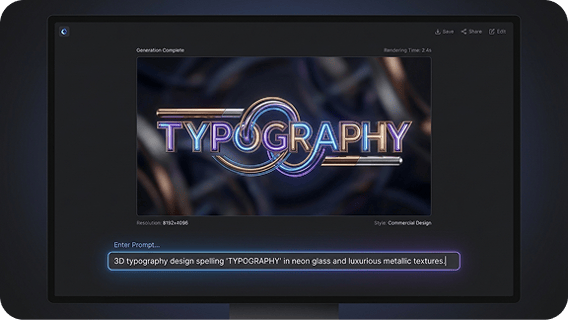
Ideogram’s AI biggest strength is its text generation ability, clearly and accurately rendering letters, Chinese characters, slogans and titles with beautiful fonts and neat layout. It rarely produces garbled or distorted text, making it perfect for posters, logo drafts, cover text and other text-heavy creations.
Exquisite Design Sense & Visual Composition
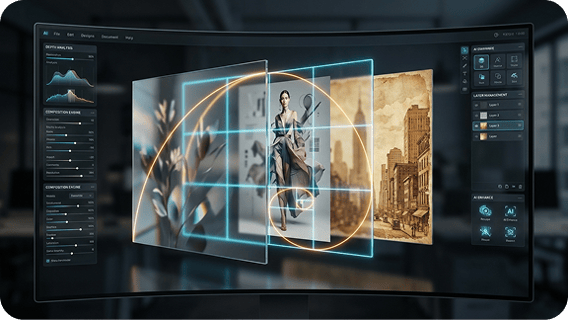
Ideogram AI comes with great design aesthetics, reasonable composition, clear layers and coordinated elements. The generated works have professional graphic design texture, easily creating complete and attractive visual effects in minimal, vintage or trendy styles.
High-Definition Output & Detail Performance
Ideogram AI directly generates high-resolution images with clear details, sharp edges and clean colors. It provides stable image quality with a premium feel, meeting high-standard visual quality for posters, brand displays and social media visuals.

Ideal for Creative & Commercial Use
It is especially suitable for creative design, brand promotion and content creation, with stable outputs and strong practicality. It balances generation efficiency and professional results, making it a popular AI painting model among designers, creators and marketers.

How to Use Ideogram on Zuss AI
Step 1
Start with either a text description or a reference image, depending on how you want to shape the final visual.
Step 2
Explain the image you want by describing the subject, style, composition, and other important visual elements, or upload an image for guidance.
Step 3
Generate the result and continue refining your input until the image better matches your intended look and feel.