




Kling AI Video Generator
Kling AI is a high-performance AI video generation model developed by Kuaishou, built for creators who demand realistic motion, cinematic quality, and greater control over their videos. On Zuss, Kling powers both text-to-video and image-to-video workflows, helping creators produce cinematic short clips, polished product visuals, and story-driven scenes with ease.





Kling Model Evolution
Basic Text-to-Video and Image-to-Video Model
Kling 1.0 is the initial release of the Kling AI video generation model and established basic text-to-video and image-to-video workflows for short-form content.
It prioritized fundamental scene construction and character motion continuity at a level comparable with early cinematic AI tools.
This version serves as the historical starting point for subsequent improvements in visual fidelity and temporal coherence.
Core Capabilities of Kling AI Models
Cinematic Realism and Motion Fidelity
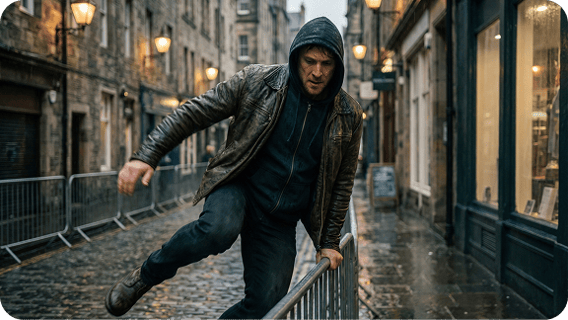
Kling is often recognized for strong visual realism, detailed textures, and smooth motion in short clips, making outputs feel more cinematic and less synthetic. It is especially suitable for scenes that rely on believable lighting, motion dynamics, and action continuity.
Controllable Generation for Text to Video and Image to Video
Kling supports both text to video and image to video, allowing creators to start from prompts or visual references. Newer versions emphasize stronger prompt adherence for complex actions, expressions, and camera movement instructions.
Editing Oriented Workflows in the Kling Ecosystem
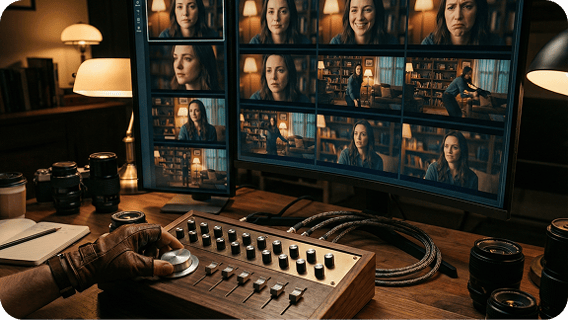
Kling’s Phase 2.0 update highlighted multimodal editing capabilities, including the ability to add, remove, or replace elements in a clip using text or image input. This supports iterative creation where generation and editing form a single workflow, rather than a one shot result.
How to Use Kling on Zuss AI
Step 1
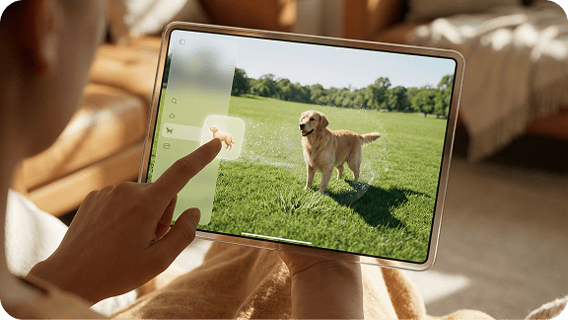
Choose text to video for prompt driven creation, or image to video to animate a reference image and keep visual consistency.
Step 2
Write what changes over time, such as actions, pacing, and camera movement, or upload an image to guide style and composition.Kling responds well to clear motion instructions and cinematic framing requests.
Step 3
Generate a clip, review motion and realism, then refine prompt details for better controllability and temporal consistency.