Control Character Movement with Motion Control AI Video Generator
Need your subject to move in a specific way, or want the camera to follow a clear motion path? Zuss Motion Control AI Generator helps you direct movement with greater precision.

Powerful Motion Control AI Video Generator Features for AI Video Creation
Full-Body Motion Transfer
Accurately transfer full-body movement from reference videos to your character, preserving posture, timing, and motion consistency, even in complex or high-dynamic scenes.
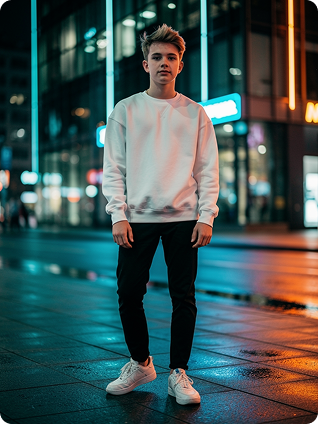
Precise Hand and Finger Motion
Capture and replicate detailed hand and finger movements with high precision, ideal for gestures, interactions, and product demonstration in AI videos.
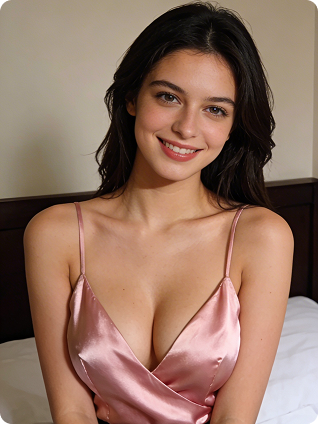
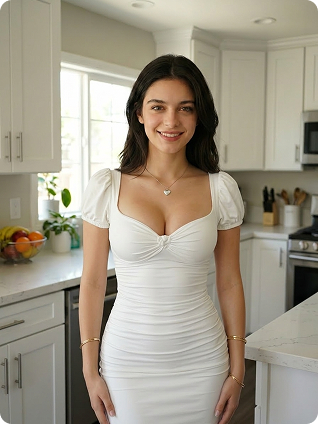
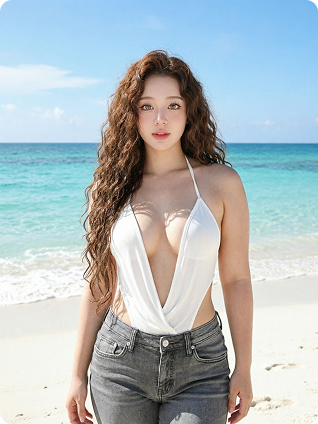
Explore Unlimited Motion Control AI Video Generator Gallery
Browse a wide selection of motion control AI video templates for different character actions and movement styles. Apply them instantly to create more motion control AI videos with less effort.
- No Camera, No Editing -
Motion Control AI Video for Every Creative Workflow
Browse a wide selection of motion control AI video templates for different character actions and movement styles. Apply them instantly to create more motion control AI videos with less effort.

Short Videos
Create lifelike talking, dancing and acting characters.

Film Animation
Produce cinematic scenes with real motion.
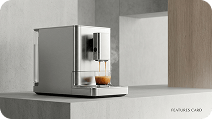
Product Videos
Highlight product features with smooth, realistic motion.

Learning Videos
Boost engagement with animated explanations.
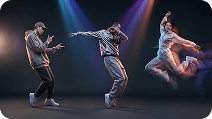
Social Content
Turn tiktok trends into shareable character videos.

Personal Use
Animate your avatar with ease.
Three Steps with Zuss AI Motion Control Generator
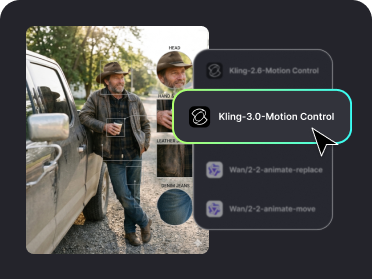
Step 1
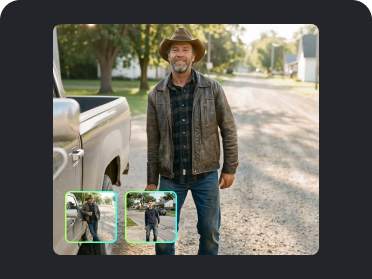
First, upload a photo that includes a person and their body parts.
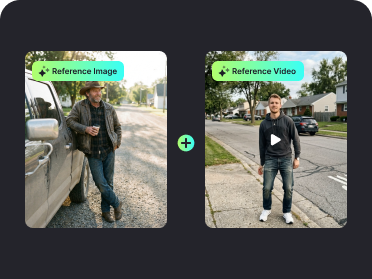
Step 2
Then upload the reference video used for creating the character movements.
Step 3
Click to generate and wait for the creation to be completed. Then you can enjoy the result of your creation.
10M+ Creators Trust Zuss AI Motion Control for Flawless Character Consistency

Alex, Video Marketer
Zuss AI Motion Control greatly improves my video production with outstanding fluency and stable camera movement. It keeps perfect motion consistency for product displays, making promotional videos look professional and attractive efficiently.

Sofia, Independent Filmmaker
This tool surprises me with its strong character consistency and natural motion effects. It ensures smooth scene transitions and stable motion consistency, saving lots of post-production time for my film creation.

Ethan, Social Media Influencer
Zuss AI Motion Control brings high fluency to my photo animations. The character consistency stays perfect even in dynamic clips, helping my short videos stand out and attract more viewers easily.

Lila, Game Concept Artist
It maintains great character consistency for game art and keeps motion consistency throughout the animation. The overall fluency is excellent, making my concept designs more immersive and impressive.