




HappyHorse AI Video Generator
HappyHorse is one of the hottest new AI video models, rising rapidly to the top of major video generation leaderboards. It stands out for strong character consistency, smoother motion, and more coherent multi-shot storytelling. Its unclear public origin has further fueled industry attention.





Evolution of HappyHorse AI Model

A Mysterious Breakout Video Model
HappyHorse is designed for creators who want more than visually impressive moments.
It performs especially well in multi-shot generation, motion smoothness, and controlled image-to-video animation.
The result is content that feels more cohesive, more intentional, and easier to use in real creative workflows.
Core Capabilities of HappyHorse AI Model
Top-Tier Text to Video Performance
HappyHorse AI is currently recognized as one of the strongest text-to-video models in blind preference rankings. It is designed to turn prompts into cinematic clips with stronger coherence and motion quality, which is a major reason it has become so widely discussed.
Exceptional Image to Video Strength
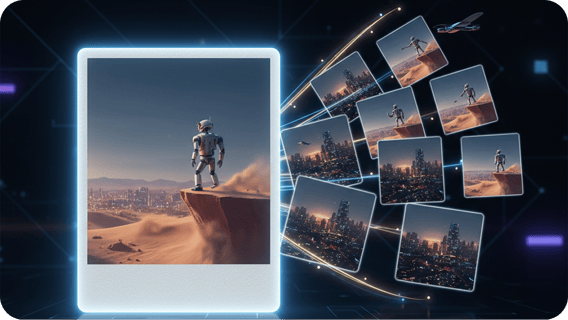
One of HappyHorse AI’s biggest advantages is image-to-video. It currently leads Artificial Analysis in the image-to-video no-audio ranking, which makes it especially attractive for creators who want to animate portraits, character art, product stills, or stylized key visuals into more controlled motion clips. Motion, Camera, and Control
Multi-Shot Coherence
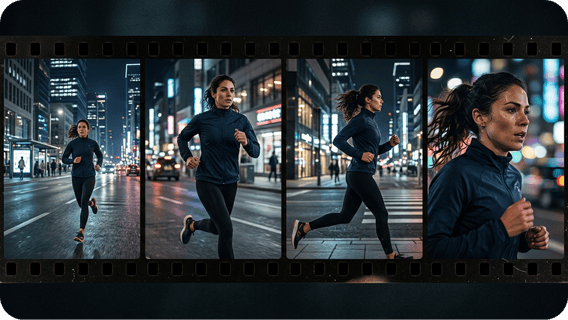
HappyHorse AI performs especially well in coherent multi-shot generation, smoother motion synthesis, and more stable character continuity. These underlying strengths help videos feel more connected, more controlled, and more creator-ready across a full sequence.
Native Audio-Video Generation
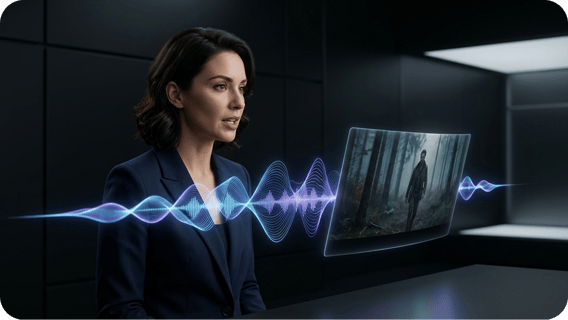
HappyHorse AI supports audio and video generation in a more unified workflow, helping creators produce more complete results from a single prompt. Combined with 1080p output and stronger sequence coherence, it makes the model feel closer to full video creation than simple silent clip generation.
How to Use HappyHorse AI on Zuss AI
Step 1
Select HappyHorse on Zuss AI and choose your preferred workflow, whether text to video or image to video.
Step 2
Describe your scene in detail or upload a reference image. Clear subject, action, style, and camera instructions usually lead to better results.
Step 3
Start generation, review the output, and adjust your prompt or image input to get more consistent motion, stronger storytelling, and better final results.