


Seedream AI Image Generator
Developed by ByteDance, China, Seedream focuses on stable, high-fidelity image generation and fine-grained image editing. Seedream works smoothly for both text-to-image and image-to-image tasks, delivering consistent, beautiful outputs for daily creation and professional design. On zuss.ai, you can enjoy fast, stable, and stunning AI image generation anytime.
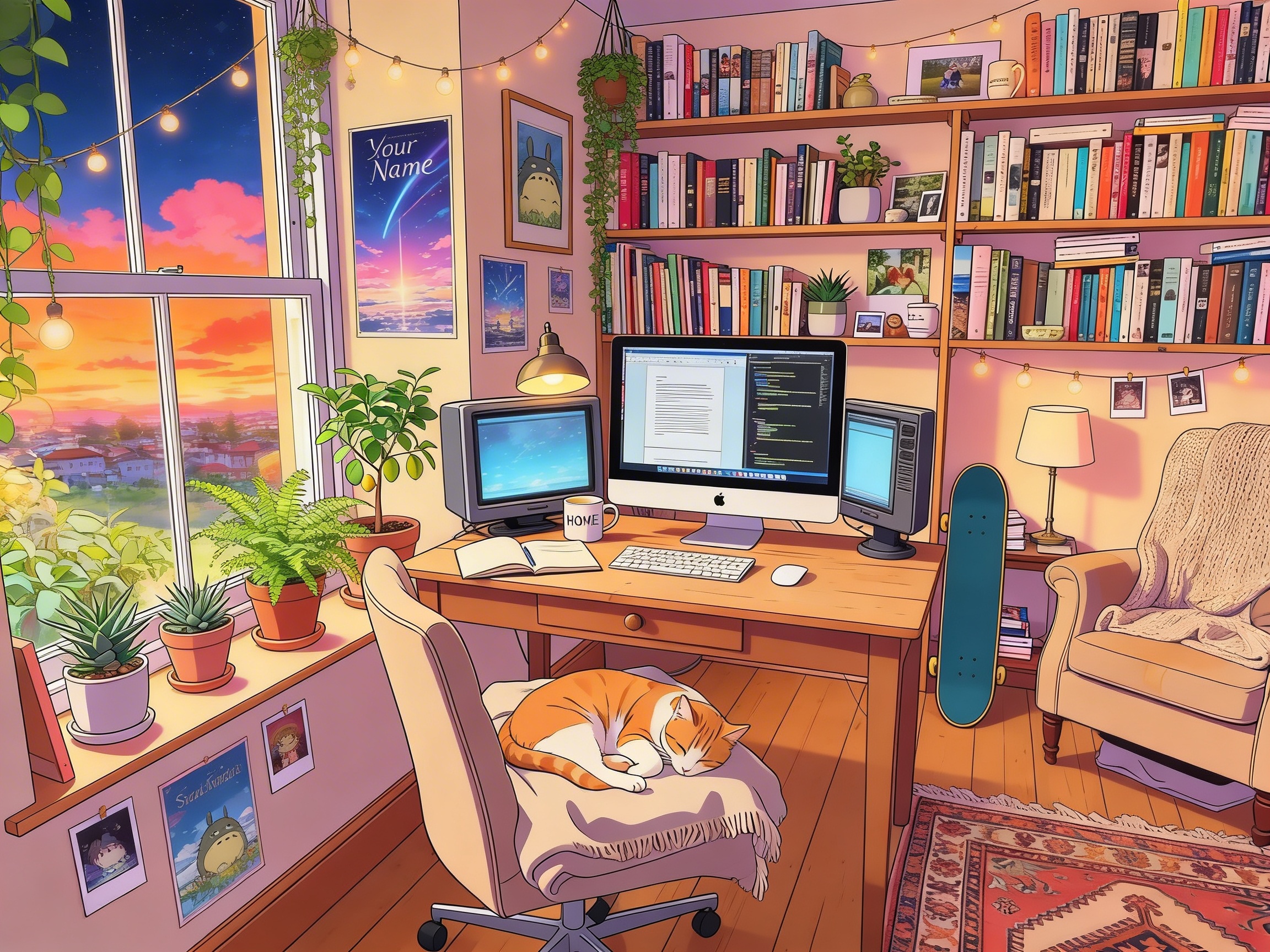
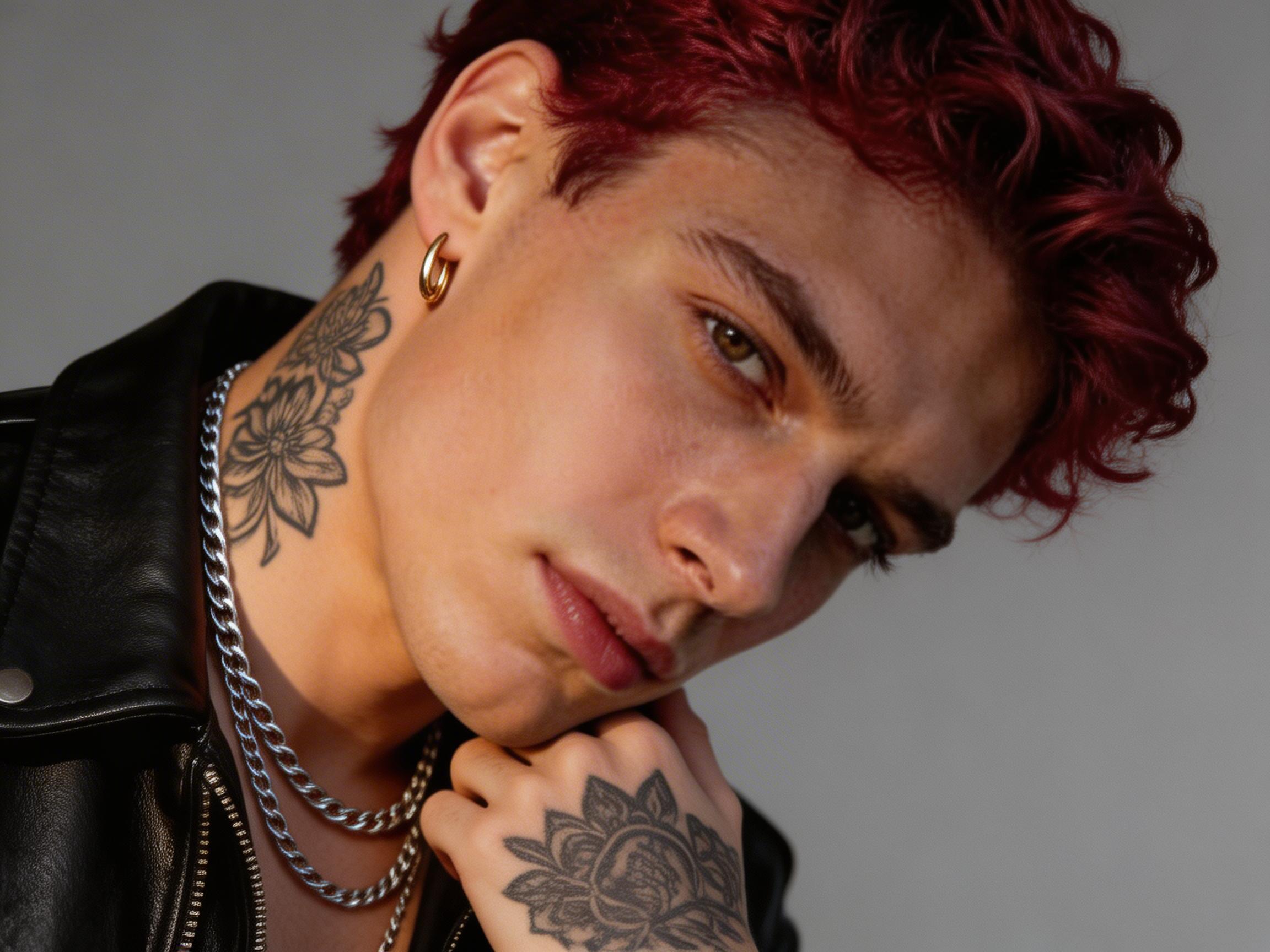
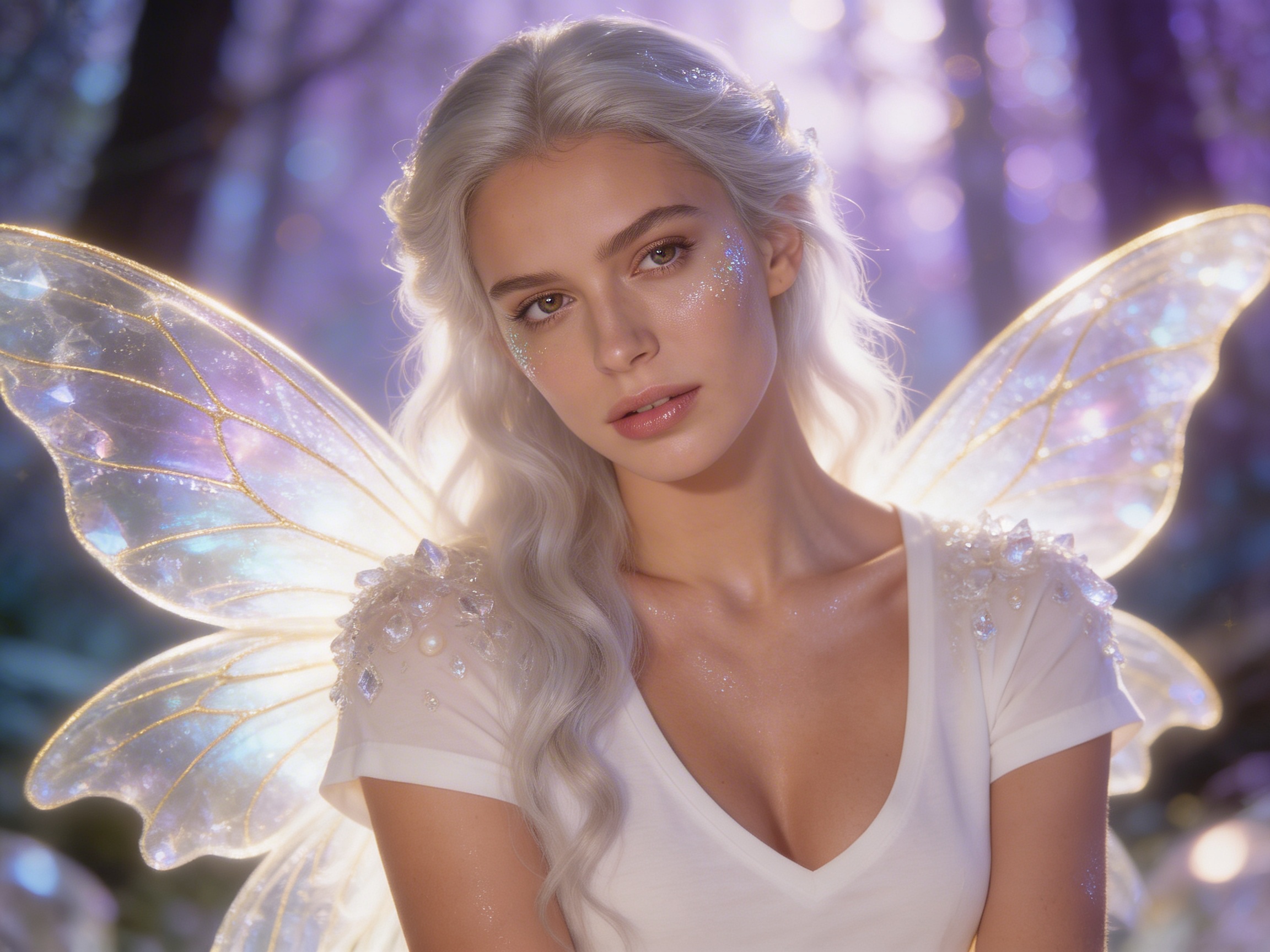
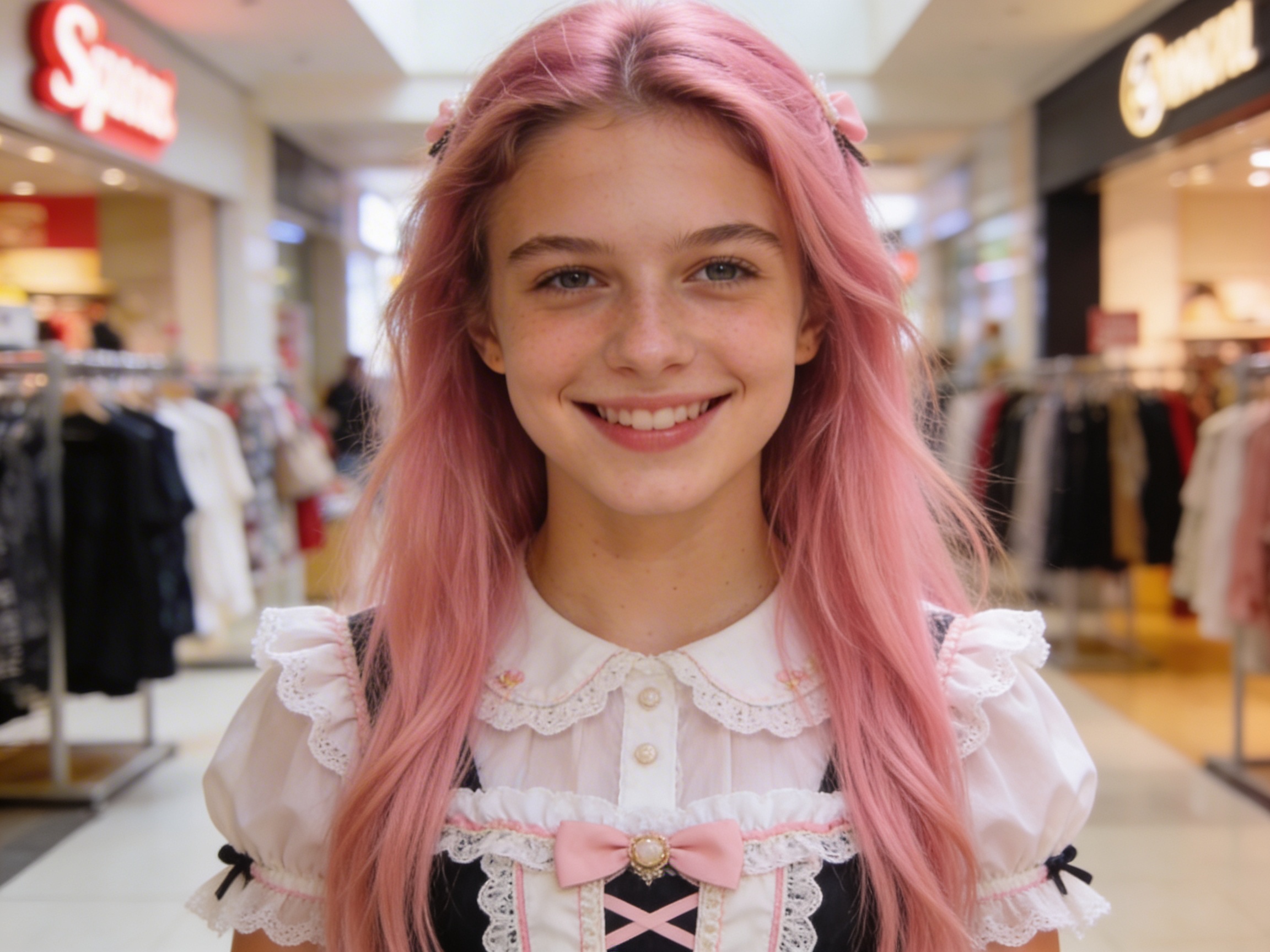

Evolution of Seedream Model
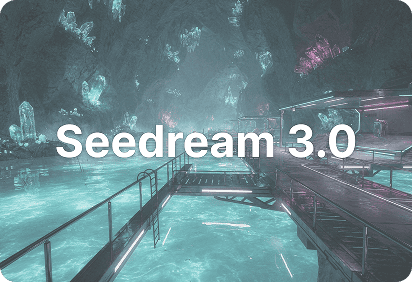
High Quality Image Model
Seedream 3.0 is built for users who want high-quality image generation, stronger visual realism, and more polished results in creative workflows.
It improves fine detail rendering, prompt alignment, and image composition, helping deliver more realistic images with stronger texture and depth.
This version is ideal for users seeking sharper image details, more reliable style control, and a better balance between creativity and output quality.
Core Capabilities of Seedream AI Models
Dreamy Art Style & Strong Atmosphere
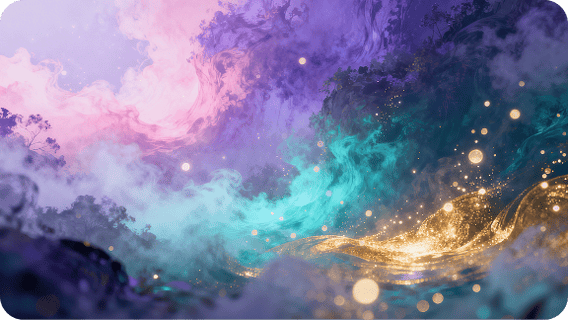
Seedream focuses on dreamy and aesthetic art style, with advanced atmosphere in every image. It features soft lighting and rich color layers, creating imaginative visual effects perfect for illustrations, healing scenes and creative artworks.
Accurate Prompt Understanding & High Prompt Adherence
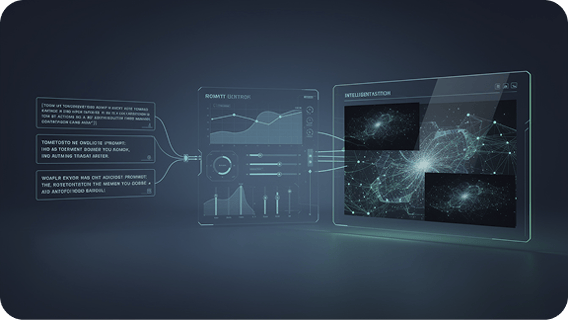
The model understands prompts accurately with high prompt adherence, faithfully reproducing your desired composition, style and atmosphere. Stable outputs reduce adjustments, making text-to-image creation more efficient and easier.
High-Definition Quality & Detailed Fidelity
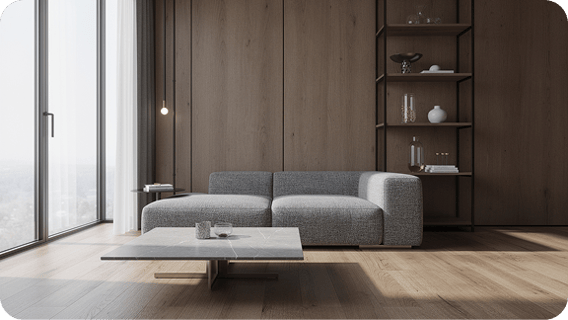
Seedream generates sharp high-resolution images with great detail fidelity. The visuals are clean, high-end and stable in image quality, ideal for character design, scene creation and commercial use with excellent visual quality.
Fast Generation for All Creative Scenarios
It provides great generation speed with stable and smooth performance. Suitable for illustration, design, inspiration and content creation, it’s a popular AI painting model for both users and designers.
How to Use Seedream on Zuss AI
Step 1
Decide whether you want to generate a new image from text or use a reference image to shape the result.
Step 2
Write a prompt that explains the subject, mood, style, and key visual details, or upload an image to guide the overall direction.
Step 3
Create the image, check the output, and keep adjusting the prompt or reference until the result looks right.