




Seedance 2.0 AI Video Generator
Seedance 2.0 is an AI video generation model developed by ByteDance, designed for high-quality text-to-video creation with strong motion coherence and visual realism. On Zuss, Seedance 2.0 enables creators to turn written ideas into cinematic short videos, dynamic scenes, and visually engaging storytelling content.

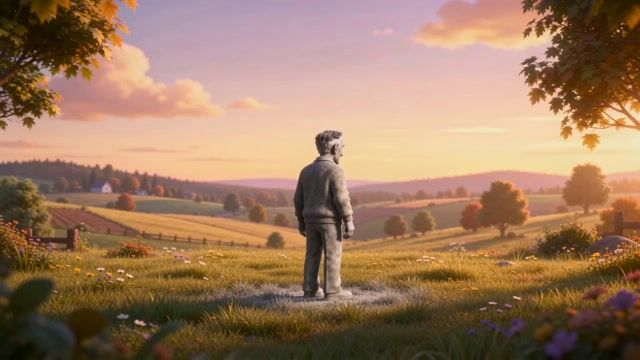
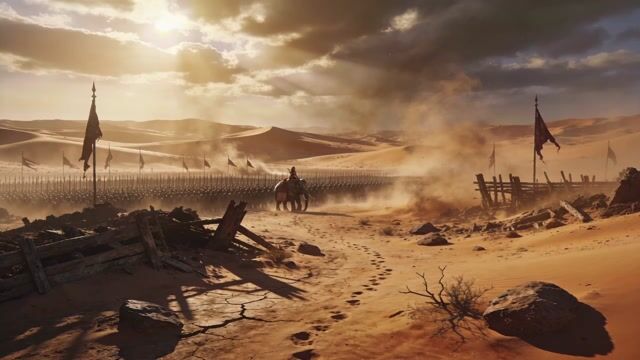


Seedance 2.0 Model Evolution
Lightweight Fast Video Inference
It ensures stable character consistency and vivid lifelike physical effects for top‑tier creative works.
It adapts smoothly to multiple scenes and use cases, ideal for creators needing both efficiency and quality.
This version offers free basic access for all creators on Zuss.ai, ideal for quickly prototyping and previewing basic scene construction, supporting core text-to-video and image-to-video workflows.
Core Capabilities of Seedance 2.0 AI Models
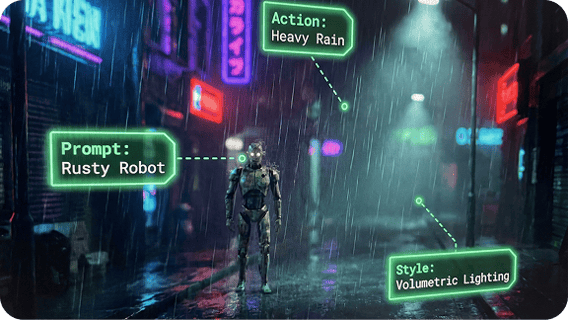
Advanced Prompt Understanding
Seedance 2.0 accurately interprets complex prompts involving scenes, actions, and narrative flow.This enables more reliable text-to-video and image-to-video AI generation, where the final video closely matches the creator’s original intent.
Cinematic Camera Control
Seedance 2.0 responds to camera-related instructions such as zooming, panning, and subject tracking.This allows creators to generate cinematic AI videos with dynamic motion and spatial depth through prompts alone.
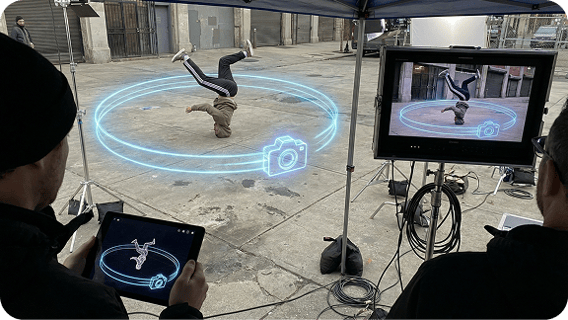
Consistent Multi Shot Output
Seedance 2.0 can generate videos composed of multiple shots while maintaining visual and narrative consistency.Characters, environments, and motion remain stable across shots, supporting structured AI video storytelling.
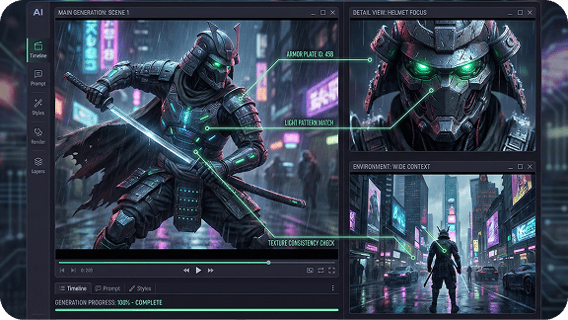
Flexible Visual Styles
Seedance 2.0 adapts visual tone, composition, and mood based on stylistic cues in the prompt.It supports a wide range of visual styles and themes, enabling creative variation within the same image-to-video and text-to-video workflow.

How to Use Seedance 2.0 on Zuss AI
Step 1
Start AI video generation by entering a text prompt or uploading an image as the visual reference.
Step 2
Adjust mood, motion, camera behavior, and environment to guide cinematic text-to-video and image-to-video output.
Step 3
Generate the video and refine your prompt or image input to improve motion quality and visual consistency.