




Veo AI Video Generator
Google DeepMind Veo is an advanced AI video generation model designed for high-resolution, cinematic-quality video creation with strong prompt understanding and visual consistency. On Zuss, Veo supports text-to-video and image-to-video workflows, making it well suited for cinematic scenes, creative storytelling, and professional-grade visual concepts.





Veo Model Evolution
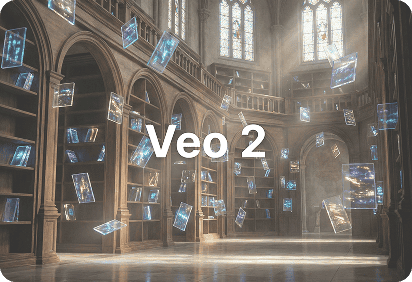
Early High-Resolution Cinematic Output
Veo 2 is an advanced AI video generation model developed by Google DeepMind, focused on high-resolution and cinematic-quality output.
It emphasizes strong prompt understanding, realistic lighting, and stable motion across scenes.
This version established Veo’s positioning for professional and creative video generation rather than casual short clips.
Core Capabilities of Veo AI Models
Cinematic-Grade Video Quality
Veo is optimized for high-resolution AI video generation, producing outputs with rich detail, realistic lighting, and cinematic composition.It is designed to meet creative standards closer to film and professional video production.
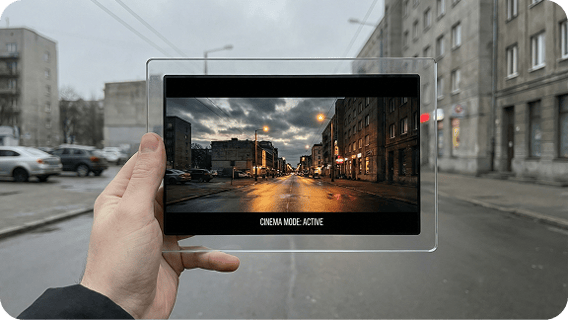
Prompt-Driven Scene Direction
Veo emphasizes accurate interpretation of complex prompts, including camera movement, environment details, and action sequencing.This makes it suitable for creators who require reliable alignment between creative intent and generated output.
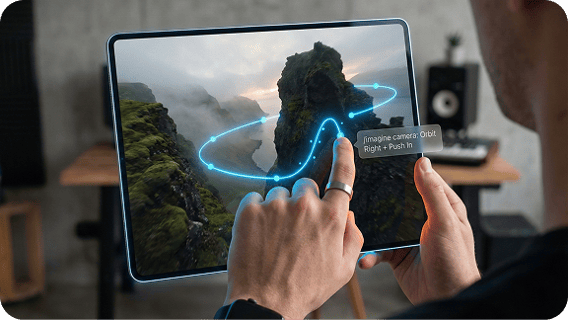
Advanced Text-to-Video and Image-to-Video Feature
Veo supports both text-to-video and image-to-video creation, allowing creators to start from detailed prompts or visual references.This flexibility enables precise control over scene structure, style, and visual continuity.
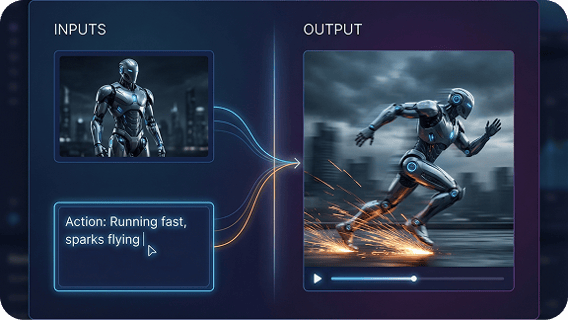
Designed for Professional and Creative Use Cases
Rather than prioritizing speed or casual iteration, Veo focuses on quality, consistency, and control, supporting professional workflows and cinematic experimentation.
How to Use Veo on Zuss AI
Step 1
Start with text-to-video for prompt-driven creation, or image-to-video to guide visual style and composition.
Step 2
Include details about camera movement, environment, and action to leverage Veo’s strong prompt understanding.
Step 3
Generate the video and refine prompts to improve realism, continuity, and cinematic quality.